Top 5 Best Discord Bot Hosting Providers of 2026
Compare five Discord bot hosting providers by price, memory, features, and refund policy. See what to look for before choosing a hosting plan.
You finally make a Discord bot, either a ticket system or a moderation one. It works great until you need to close your laptop or PC. Then everyone on your server wonders where the bot went. Any community owner hits that problem eventually.
Hosting a Discord bot is different from hosting a website or a game server. The bot is just a process that needs to stay connected to Discord servers 24/7, restart itself after a crash, and update the code without you having to do it manually every single time. A bot doesn't need much RAM, so you don't need to get a lot. Instead, you should look for a good panel that lets you switch the coding language, lets you read error logs, and gives you access to roll back to a version after a bad update.
Before we go into the list itself, here's what separates a good host from a bad one.
What to look for in a Discord bot host
Runtime support comes first. Languages like Node.js, Python, and Java are the most used, with libraries like discord.js, discord.py, and JDA. Other hosts also offer Go, Rust, or C#. If you ever want to switch languages or/and versions, either for tests or just to host it, you shouldn't need to open a support ticket and just be able to do it directly through the panel.
Git integration matters more than it sounds. Uploading files by FTP every time you need to fix a typo or add a new command gets annoying very fast, so a host that gives the option to pull your latest code from GitHub or GitLab when the bot starts saves you a lot of time and work.
Pay for what your bot actually uses. A small moderation or utility bot can run smoothly on 256 to 512 MB. Heavier bots that cache a lot of data, such as a music bot or a bot made in Java, tend to need 1 to 2 GB. So knowing what your bot does saves you money. Be sure to check as well if your host lets you scale your plan later without manually migrating.
Look for scheduled backups with off-site backups. Sometimes a bad update or a bad deploy breaks all your code and can even wipe your whole work, and only then will you appreciate having a backup.
Every bot will crash eventually, so having a live console, live CPU and memory usage, and scheduled restarts is a must.
Many popular bots get targeted and are exposed to many DDoS attacks, so having DDoS protection is not something optional or an add-on, and it should come on any plan.
Support matters most when your bot goes offline during an event. A support ticket that sits for two days is no help, and you want real people available at any hour of the day.
Finally, check the refund policy. A bot can run perfectly for a day and fall over once it joins a busy server. A 24-hour window isn't enough time to find that out, so look for something longer.
Pricing comparison
| Host | Starting Price | Entry RAM | Refund Policy |
|---|---|---|---|
| Cybrancee | $1.99/mo | 512MB | 90 Days |
| BisectHosting | $1.49+taxes/mo | 256MB | 3 Days |
| Wispbyte | Free* | 512MB | 48 Hours |
| PebbleHost | $3.00/mo | 1GB | 72 Hours |
| ZAP-Hosting | $3.36/mo** | 1GB | 14 Days (as ZAP Coins credit) |
*Wispbyte premium plans start at €1.49/month.
**ZAP-Hosting also sells a one-time Lifetime Server from $50.40.
1. Cybrancee
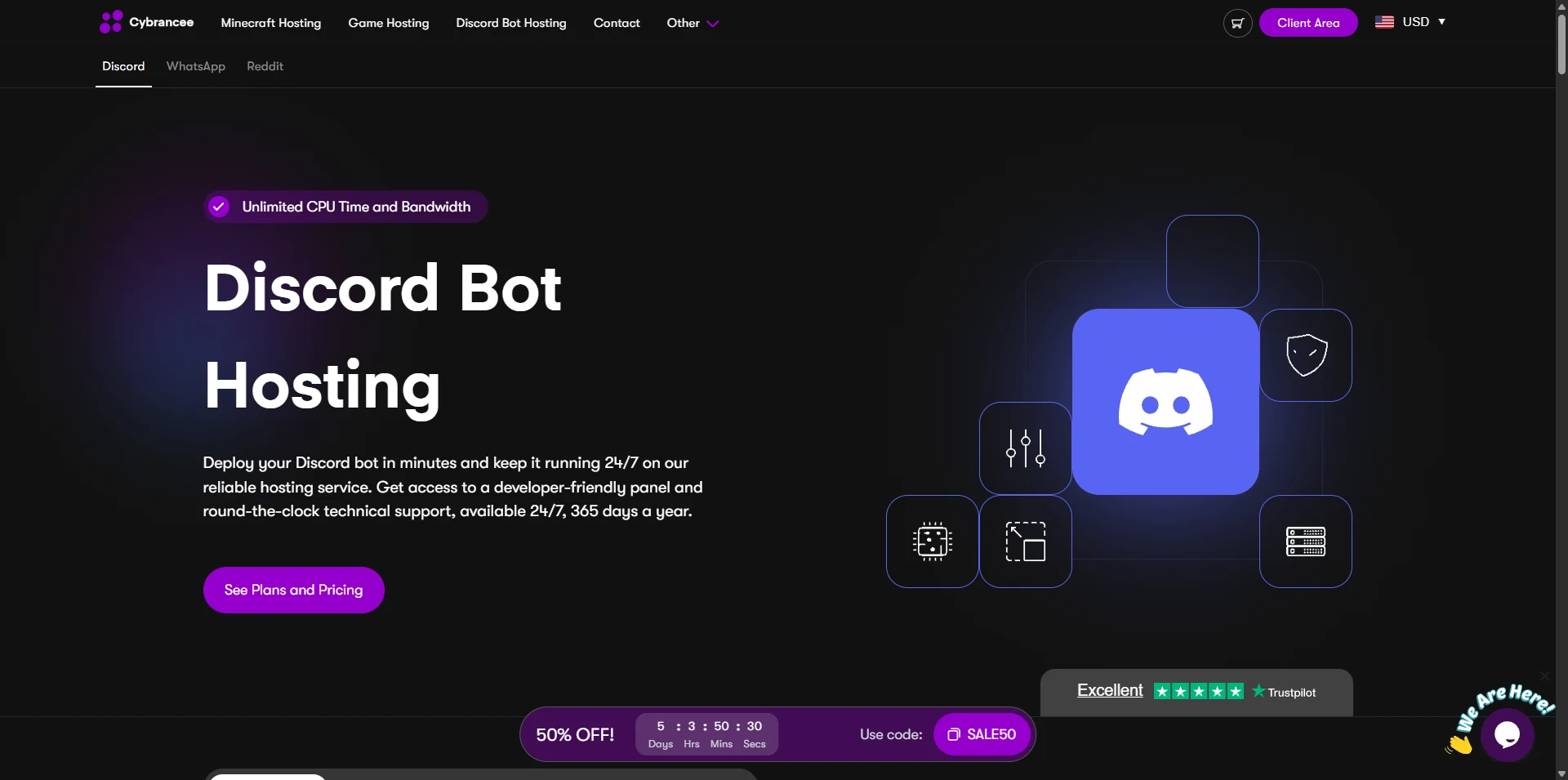
Starting at $1.99/month (512MB RAM, 15GB storage)
Cybrancee is the best pick for Discord bot hosting in 2026, and the plan ladder is a big reason. Starter is $1.99/month for 512MB and 15GB of storage. Advanced is $2.99 for 1GB and 30GB, Ultimate is $4.99 for 2GB and 60GB, and the Scalable plan starts at $9.99 and goes up to 12GB of RAM and 100GB of storage. Every plan includes unlimited CPU time and unlimited bandwidth.
The panel suits people who ship updates often. Git integration pulls your repo every time the bot starts, so fixing a bug is a push and a restart. The panel includes a language switcher with the following: NodeJS, Python, Java, C# (.NET), Lua, Rust, Go, and TypeScript. Real-time stats show CPU, memory, and network usage. You get a scheduler that handles automatic restarts. In the console you have the Console Companion explains what an error means without you having to search up tutorials or Reddit forums. You get scheduled backups so you don't lose your files after a bad update.
The setup is instant, upgrades are prorated and don't interrupt the bot, and servers are available in 14 locations across 6 continents. You have human support 24/7, 365 days a year. The 90-day money-back guarantee gives you three months to see how your bot behaves with real traffic. Cybrancee is also rated Excellent on Trustpilot with 4.8 stars.
Everything gets even better: Cybrancee gives you one free month of Discord Bot Hosting if it’s your first time, and you use CYBRALIST at checkout.
Pros:
- Starts at $1.99/month, with a 1GB plan at $2.99
- Unlimited CPU time and bandwidth on every plan
- Git integration that refreshes on every bot start
- Language switcher covering NodeJS, Python, Java, C#, Lua, Rust, Go, and TypeScript
- NVMe SSD storage
- Scheduled backups with restore
- Real-time CPU, memory, and network metrics
- Scheduler for restarts and other automated tasks
- DDoS protection included
- 14 server locations across 6 continents
- Instant setup and prorated upgrades with no downtime
- 99.9% uptime on their status page
- 24/7 human support
- 90-day money-back guarantee
Cons:
- No free trial, though the 90-day refund window covers most of what a trial would
Cybrancee costs less than most alternatives for what you get, and the refund window lets you test it properly before committing, whether you're running one moderation bot for a small server or several for a growing community.
2. BisectHosting
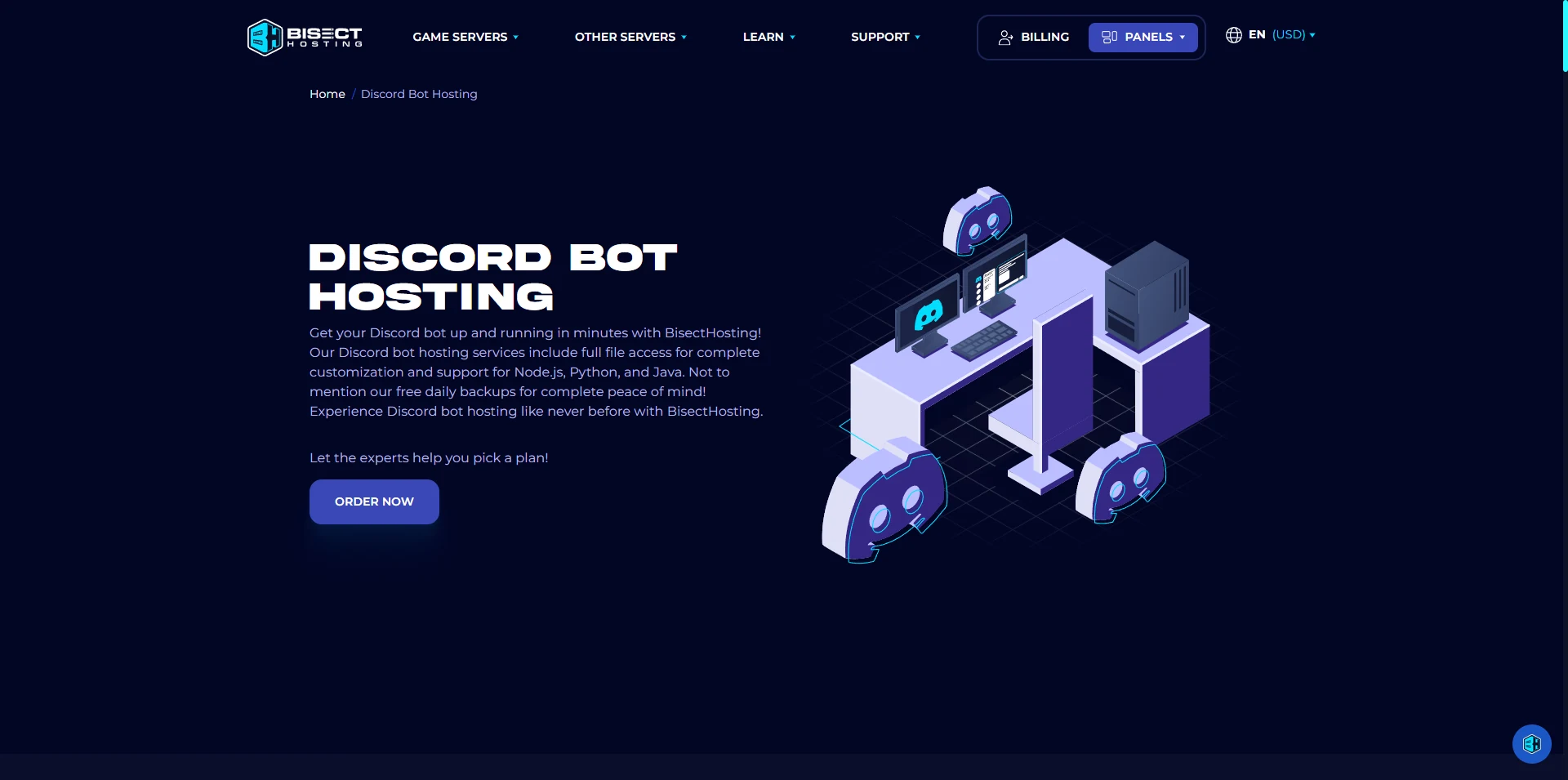
Starting at $1.49+taxes/month (256MB RAM, 5GB storage)
BisectHosting has been well-known for game server hosting for the past decade. Their Discord bot reflects that as well. Plans are priced by RAM: 256MB at $1.49, 512MB at $2.49, 1GB at $4.99, 2GB at $7.49, 3GB at $10.49, and 4GB at $12.99. The 256MB entry plan has the cheapest sticker price on this list and is enough for a very small utility bot. Each plan runs one bot, with unmetered bandwidth, but with limited NVMe SSD storage.
You have full file access, along with console access. Bisect supports Node.js, Python, and Java. You have some premade bots if you'd rather start from something that already works. DDoS protection is included, and support runs 24/7/365 with an average wait time of 15 minutes.
The catch is how quickly the price climbs. A 1GB plan is $4.99, compared to $2.99 for 1GB at Cybrancee, and 2GB is $7.49 against $4.99. Backups are included but only cover three days, and the refund window is three days too.
Pros:
- Cheapest entry price on the list at $1.49/month
- Node.js (all versions), Python, and Java supported
- Full file access and console
- Premade bots available
- NVMe SSD storage and unmetered bandwidth
- DDoS protection included
- Average support wait of 15 minutes or less
- 25,000+ Trustpilot reviews
Cons:
- Pricing climbs faster than Cybrancee's tiers: $4.99 for 1GB versus $2.99
- Only three days of backups included
- Only a 3-day money-back guarantee
- One bot per plan
- Only three supported languages
If you want a well-known host with fast support and only need a tiny bot, BisectHosting is a solid choice. Check the price at the RAM you'll actually need before you commit, because that's where the gap shows up.
3. Wispbyte
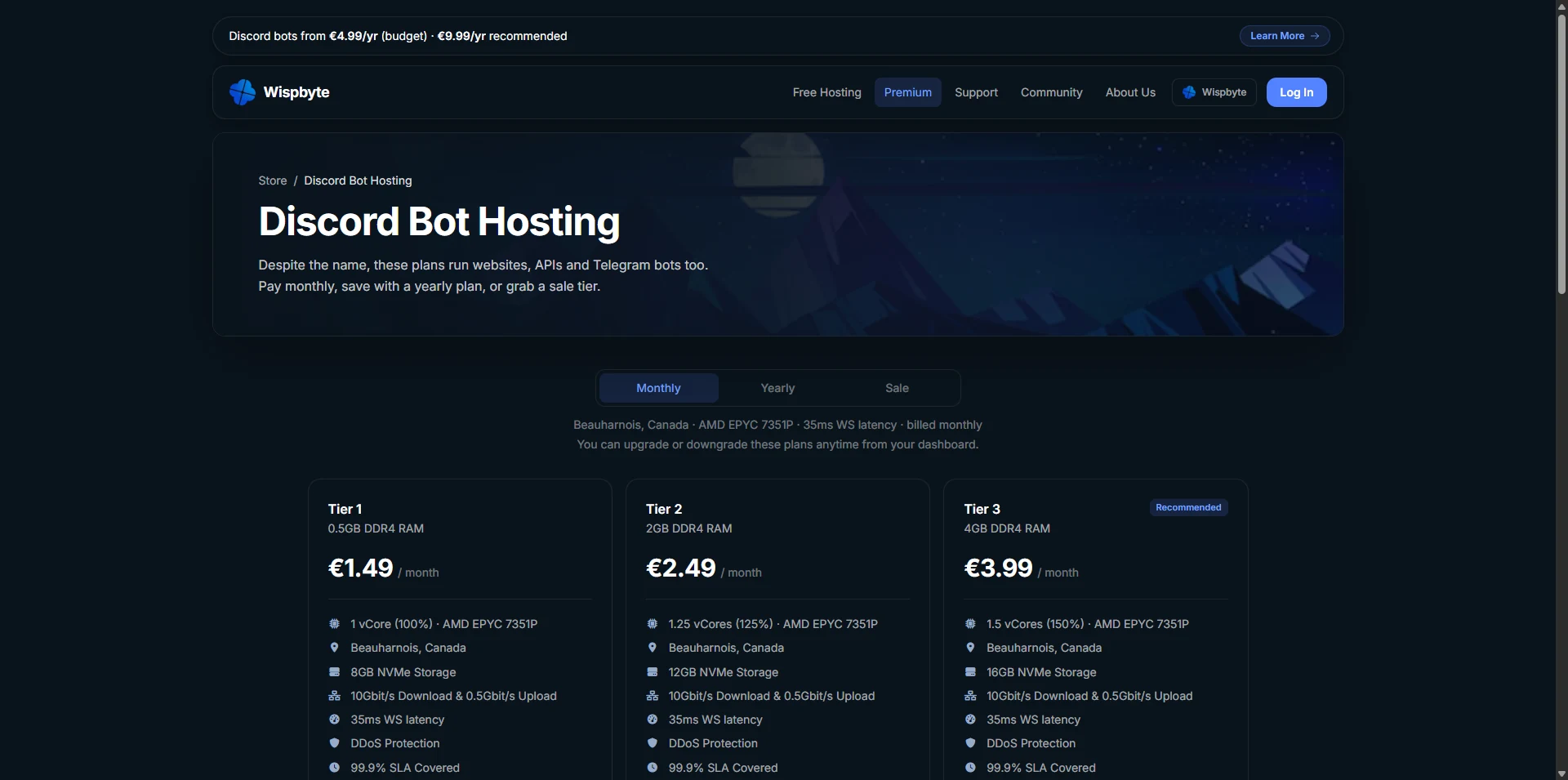
Free plan available. Premium from €1.49/month (0.5GB RAM, 8GB storage)
Wispbyte is the only free host on this list. The popularity came when they first announced that they would offer free hosting, and it still is. The free plan doesn't delete your server after a period of inactivity, and you don't need a credit card; it doesn't even show ads. Most users get about 512MB of RAM and roughly 1GB of storage, which is good enough for a small bot. They support Node.js, Python, Java, and C#. The catch is that you need to log in every two weeks, which is still better than watching ads or having a coin system.
Paid plans are billed monthly and come in five tiers. Tier 1 is €1.49/month for 0.5GB of RAM and 8GB of NVMe storage. Tier 2 is €2.49 for 2GB and 12GB. Tier 3 is €3.99 for 4GB and 16GB, and it's the one Wispbyte marks as recommended. Tier 4 is €5.49 for 6GB and 24GB, and Tier 5 is €6.99 for 8GB and 32GB. CPU grows with each tier, from 1 vCore on Tier 1 to 2 vCores on Tier 5, and you can upgrade or downgrade from the dashboard at any time.
It's important to mention that free hosting has some trade-offs. Some reviews mention occasional 504 errors on the panel and some random shutdowns. Some also mention that free instances go down when a bigger bot (e.g., a music bot) overloads the server. Free-tier support tickets take more than usual paid-tier tickets. The free tier is fine for a hobby project or a personal assistant bot, but you shouldn't host your community bot on it.
Pros:
- Free plan with no credit card and no ads
- Servers aren't deleted for inactivity
- Node.js, Python, Java, and C# supported
- Paid plans from €1.49/month, with 2GB at €2.49 and 4GB at €3.99
- Upgrade or downgrade anytime from the dashboard
- NVMe storage on every paid tier
- DDoS protection and a 99.9% SLA on paid plans
- Faster support on paid plans
- 4.5/5 on Trustpilot
Cons:
- Free plan is limited to about 512MB of RAM and 1GB of storage
- Reviewers report random shutdowns, panel errors, and spin-downs under load
- Free-tier support can be slow
- Free plan needs a login about every two weeks
- Paid servers are hosted only in Beauharnois, Canada
Wispbyte is a good place to learn, test an idea, or run a bot that doesn't matter much if it goes offline for a few hours. Once people rely on your bot, a paid tier is the safer move, and the prices are low for the RAM you get. Cybrancee still has the longer refund window (90 days) and servers in 14 locations.
4. PebbleHost
Starting at $3.00/month (1GB RAM)
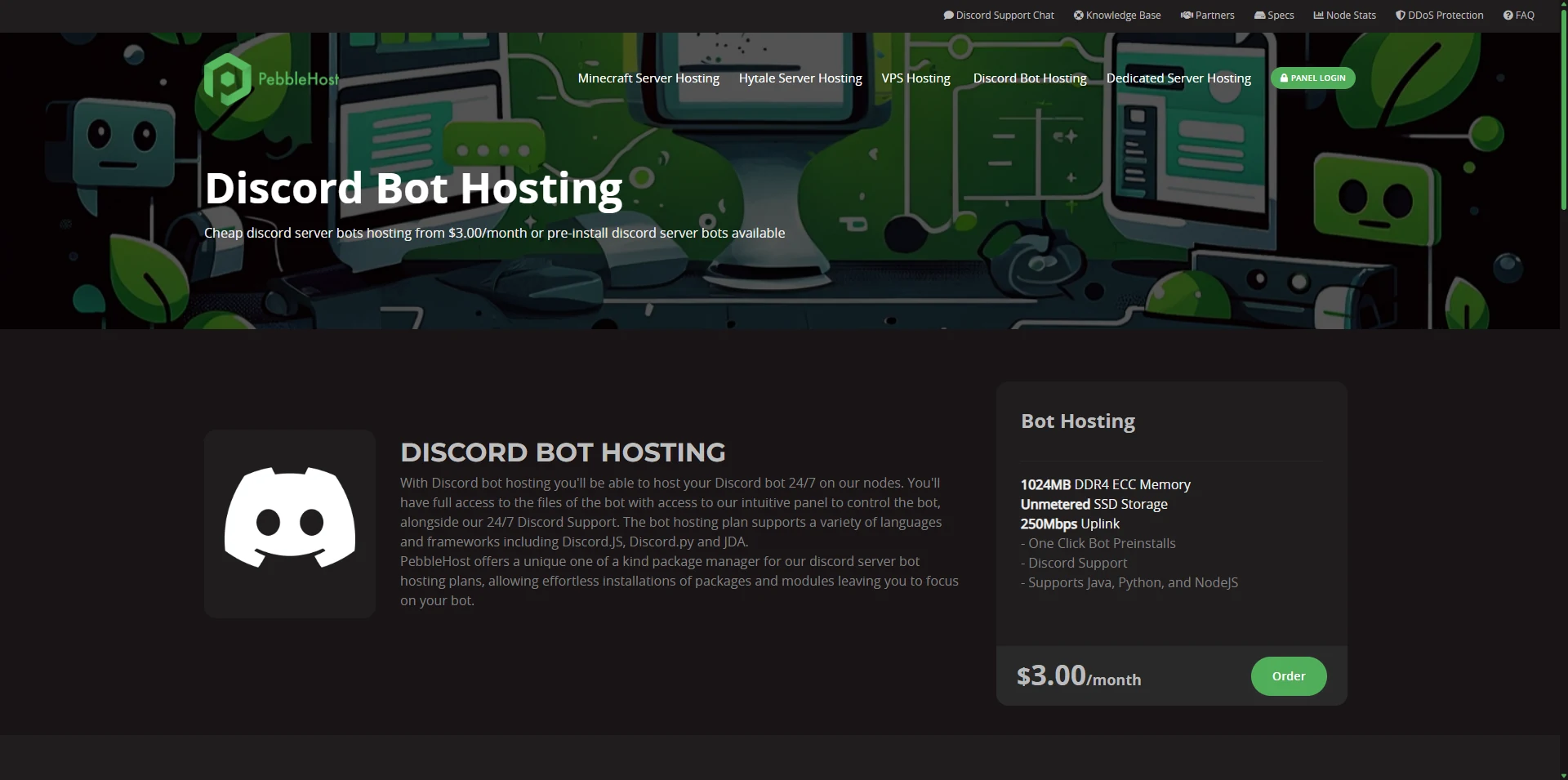
PebbleHost only offers one plan, and it's pretty easy to understand. The plan costs $3.00/month, and you get 1GB of DDR4 ECC memory, unmetered SSD storage, and a 250Mbps uplink. You can add more RAM to the plan for an additional charge. Java, Python, and Node.js are supported. A package manager, Git integration, one free MySQL database, the option to open additional ports, and automatic backups are included in the plan. You also get one-click preinstalls that cover popular bots like Discord Tickets, Evo Bot, Jagrosh Musicbot, etc.
If you have multiple bots, you can host them simultaneously, but only if they are written in Python or Node.js, and not in Java. PebbleHost has a 4.6 rating on Google, and its panel includes a live console, usage statistics, a firewall manager, and subuser support.
It sits fourth for a few reasons. Bot hosting is available in only two locations, North America and Europe. The hardware is an older Xeon E5-1630v3 or an i7-7700k, and support runs through Discord instead of a ticket desk. The refund window is 72 hours.
Pros:
- Simple single plan at $3.00/month with 1GB of RAM (additional RAM costs more)
- Git management and a built-in package manager
- Automatic backups with 7-day rotation
- One-click bot preinstalls
- One free MySQL database and additional ports
- Multiple Python or Node bots on one plan
- 4.7 rating on Google
Cons:
- Only one plan, so there's no smaller or larger bot tier
- Only two locations: North America and Europe
- Older CPUs (Xeon E5-1630v3 or i7-7700k)
- Support is run through Discord
- Java bots can't share a plan
- Only a 72-hour refund window
PebbleHost is dependable if one 1GB plan covers what you need. Cybrancee gives you the same 1GB for a little less, plus more room to grow and a much longer refund window.
5. ZAP-Hosting
Starting at $3.36/month. Lifetime Server from $50.40
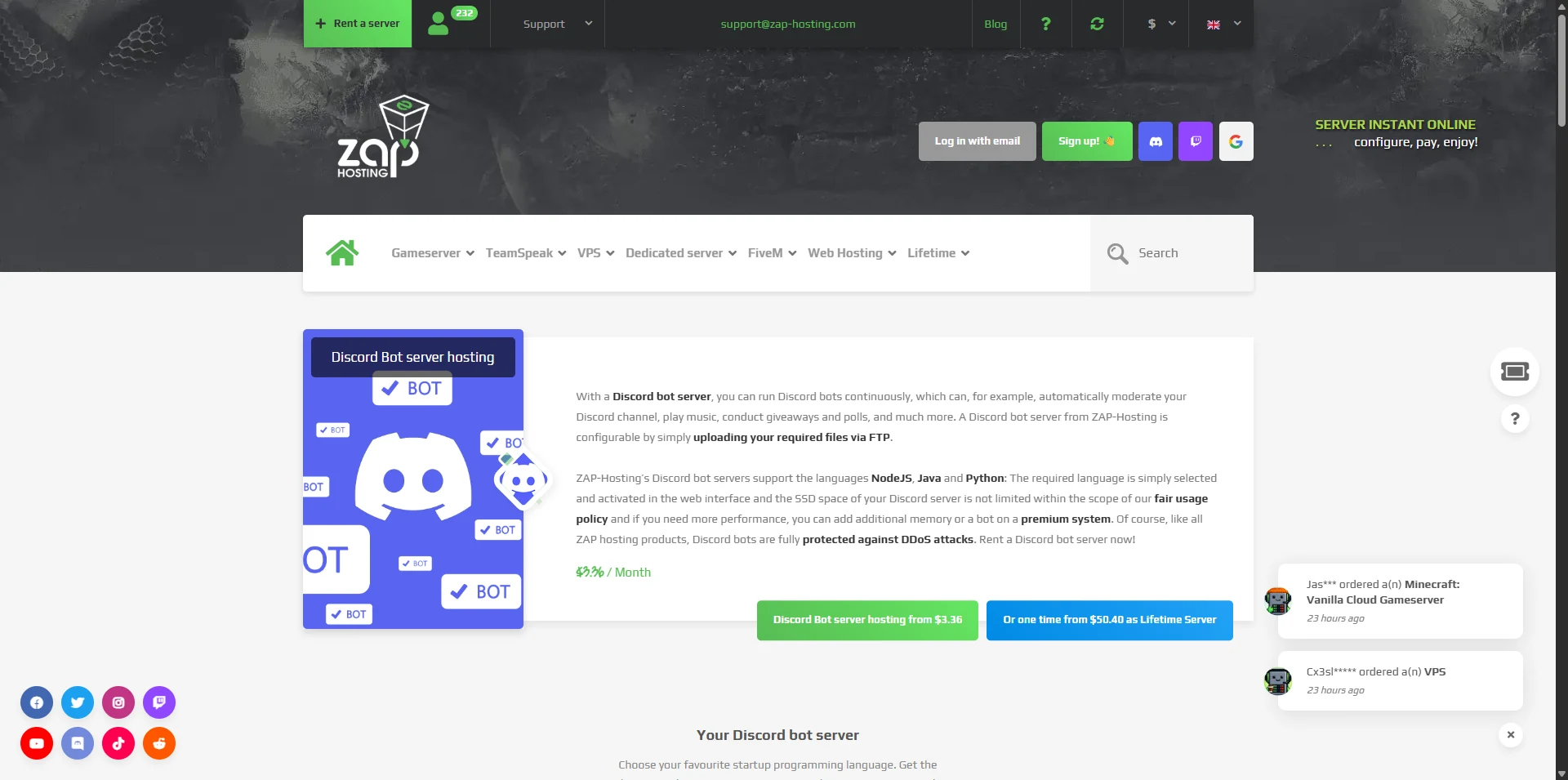
Based in Germany, ZAP-Hosting stands out for how you can pay. Alongside monthly billing at $3.36, it offers a Lifetime Server as a one-time purchase from $50.40. If you want to keep your bot running for years, then getting a lifetime server saves you a lot. You get FTP access, an online configuration editor, and backups.
ZAP servers run on Intel E5-2650v4 processors with DDR4 memory; they include free Next-Gen DDoS protection, and their servers set up automatically in a few minutes. Support is available daily via live chat, tickets, and email. ZAP-Hosting has 4.6 out of 5 stars on Google from about 2,000 reviews.
It lands last because it's the most expensive monthly option and has a short language list. The CPUs are older, ZAP's own page points to its premium systems if you need more performance, and the 14-day cancellation window pays out as ZAP Coins account credit instead of cash back.
Pros:
- One-time Lifetime Server option from $50.40
- Free FTP access and an online configuration editor
- One-click backup creation and import
- Next-Gen DDoS protection
- Live chat, ticket, and email support every day, including Sundays
- 4.6/5 on Google across nearly 2,000 reviews
Cons:
- Highest monthly starting price on the list at $3.36
- Only NodeJS, Java, and Python
- Older Intel E5-2650v4 hardware on standard plans
- 14-day refund window pays out as ZAP Coins credit, not cash
- More RAM means paid upgrades
ZAP-Hosting makes sense if you want a lifetime server or already use ZAP for other projects. For a straightforward bot at a lower price, Cybrancee covers more languages and has a much longer refund window.
Conclusion
Cybrancee gets the top spot because it offers you great performance at a low price. For $1.99 per month, you get unlimited CPU time and bandwidth, Git integration, automatic backups, eight different languages, and 90 days to test your bot with real traffic.
The other four have narrower appeals. BisectHosting fits very small bots and people who want fast support. Wispbyte is the best way to host a hobby bot for free. PebbleHost is a simple single-plan option. ZAP-Hosting suits anyone who likes the idea of paying once for a lifetime server.
Whichever host you choose, check how much RAM your bot actually uses before you buy, and don't pay for more than you need.
Happy hosting!
If you think your business should be on our list, contact us.